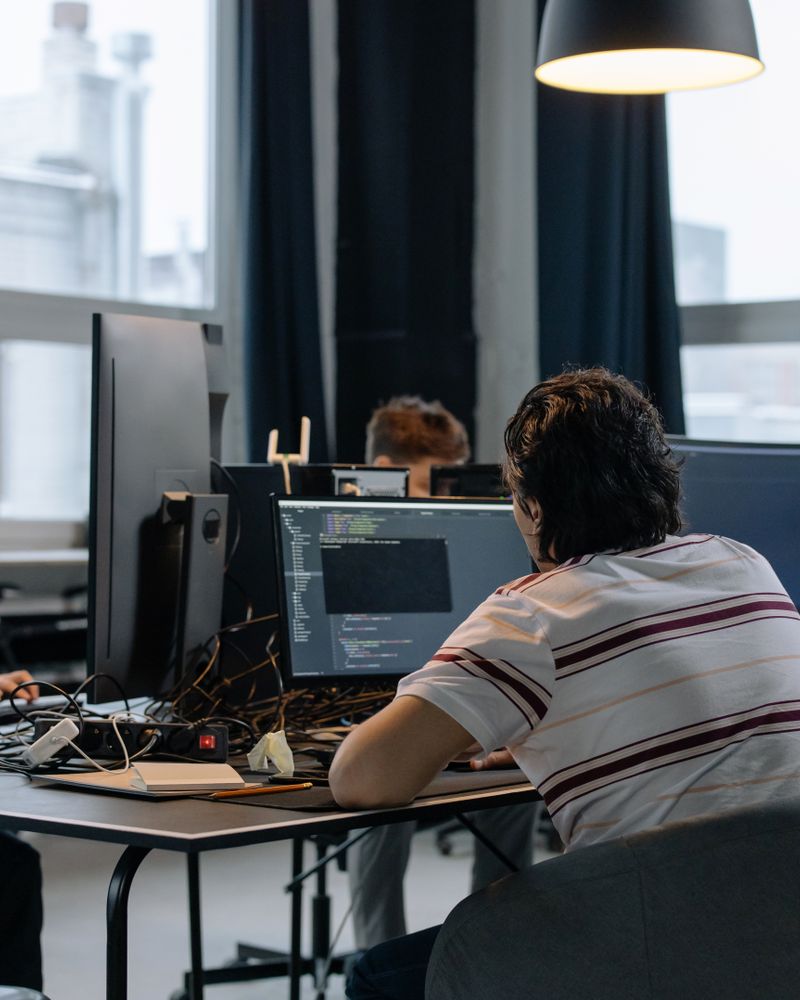


Automatic Time Tracking
We track working hours automatically, so employees do not need to fill in timesheets. This way, we get records of when they log in, log out, how many hours they work productively, and how much time they spend idle.
Find visibility into working hours, productivity, attendance and team performance with AI-based workforce analytics. Whether employees work from the office, remotely, or in a hybrid setup. Niyuk DeskTime, a leading employee monitoring software, helps businesses understand how work gets done. No more relying on timesheets or scattered reports. Track attendance, monitor productivity and analyse work patterns. Empower managers with real-time insights from one platform.





Niyuk DeskTime is an AI-driven employee productivity and time-tracking solution that helps businesses monitor work hours, attendance, productivity, project time, and workforce performance from a single dashboard.
As a comprehensive employee monitoring system, it offers real-time insights to improve team efficiency across office, remote, and hybrid workplaces — making it one of the most trusted choices for employee monitoring software in India.
Everything the timesheet was standing in for.
We track working hours automatically, so employees do not need to fill in timesheets. This way, we get records of when they log in, log out, how many hours they work productively, and how much time they spend idle.
Office, hybrid and remote attendance in one record, and the hours synced straight into the HR process rather than re-entered.
Our AI tool helps us understand how productive employees are. It looks at work patterns and hours and finds ways to improve team efficiency.
We see how employees spend their workday by checking which business applications and websites they use. This helps us identify work habits and reduce distractions.
Inactivity is detected rather than declared, which is what makes the productive figure mean something without anybody reporting it.
We measure how employees spend their time on projects and tasks. This helps us plan better, use resources wisely, and make projects more profitable.
Managers get a dashboard that shows employee productivity, attendance, work hours, and overall performance in real time.
Compare productivity across teams, find the workload that is unevenly spread, and move it before it becomes attrition.
We create reports on productivity, attendance, and activity. These reports help with workforce planning and performance reviews.
Get a clear view of your workforce in one place, including team activity, working hours, productivity trends and overall performance.
See which tools your team uses most and how time is spent, helping you understand work patterns and spot distractions.
Roll activity up by team or department and compare productivity side by side, across IT, Development, Testing, Design, and beyond, so you know exactly where performance is strong and where it needs attention. Paired with real-time block violation tracking, managers get an instant view of policy breaches, which apps trigger them most, and which employees need a check-in, all without combing through logs by hand.
View recorded work activity with timestamps and app details, giving you a clearer picture when you need to review specific work hours.
Productivity data doesn't live in a silo. Every logged hour flows into a weekly timesheet, broken down by project and activity, compared against expected capacity, and ready to be submitted for approval. What starts as an automatic activity log ends as a clean, billable timesheet, closing the gap between monitoring and payroll.
Attendance software tells you who signed in. DeskTime shows how the day was actually spent, which apps and sites took the time, and when people were working at their best.
Nothing here is a form somebody fills in. The record is made as the work happens, and everything after it reads from that record.
An employee signs in to the DeskTime application at the start of their day, on whichever machine they work from.
Work hours, attendance and application activity are captured as they happen, with no timesheet and no reminder to submit one.
The Niyuk DeskTime application uses intelligence to look at the productivity patterns of the employees, the active work time of the employees, and the utilisation of the employees.
A manager opens one view and reads productivity, attendance and hours for their team, current to the hour.
The organizations use the insights from the Niyuk DeskTime application to improve the planning of the workforce, the engagement of the employees, and the efficiency of the operations of the company.
Seven things that stop being somebody's job.
| Feature | Manual time tracking | Niyuk DeskTime Recommended |
|---|---|---|
| Attendance | Entered by hand | Tracked automatically |
| Work hours | Timesheets | Recorded in real time |
| Productivity reports | Prepared by hand | AI-powered dashboards |
| Employee activity | Limited visibility | Live monitoring |
| Project time | Difficult to measure | Tracked automatically |
| Performance insight | Assumptions | Data-driven analytics |
| Workforce visibility | Separate reports | One dashboard |
From a team that made the switch
“Niyuk HR cut payroll processing time by 90% for Applikon IT Solutions Pvt. Ltd.”
Support your teams to work smart with AI-driven workforce insights, automated attendance tracking, and productivity analytics—all from one platform.
The questions leaders ask before putting monitoring on a team.
No. It combines monitoring with attendance tracking, productivity analytics, work-hour management and AI insight. The point is not the activity log on its own: it is understanding work patterns, improving team efficiency and making workforce decisions on something accurate.
Yes, and that is most of what it is for. Office, remote and hybrid all report into the same dashboard, so attendance, hours, productivity and project time read the same wherever somebody is working from.
It reads work patterns, productive hours, attendance trends and activity for what they mean rather than handing over the raw numbers. What comes out is where to rebalance a workload or support someone, based on the week that happened rather than on an impression of it.
In Niyuk it is not an integration: DeskTime writes to the same employee records, attendance and payroll data the rest of the platform reads. Hours tracked here are the hours payroll pays, with nothing re-entered in between.
Activity, attendance and productivity data sits behind role-based access, so a manager sees their own team and nobody sees everything by default. This is the most sensitive data the platform holds and it is treated that way.