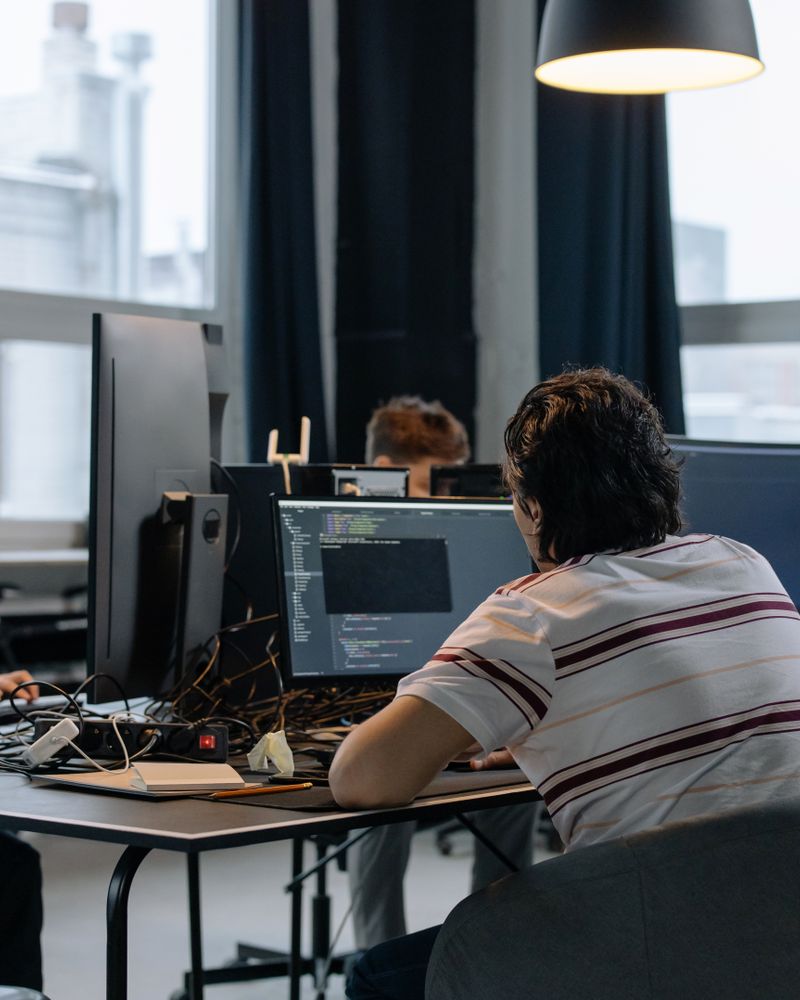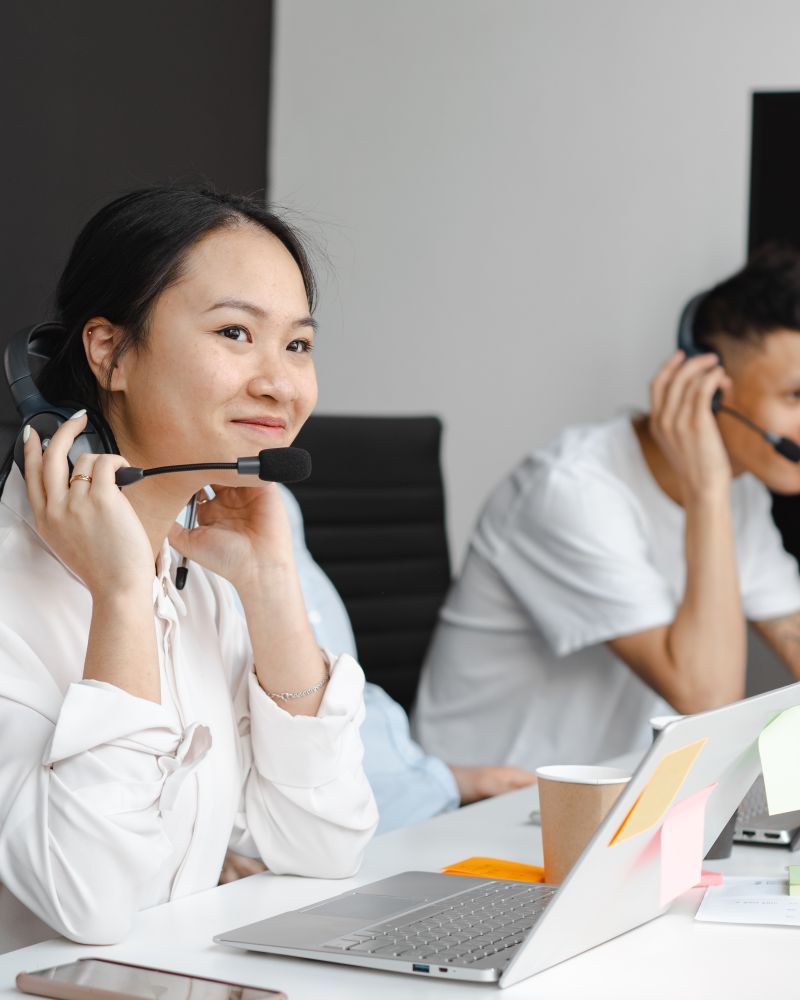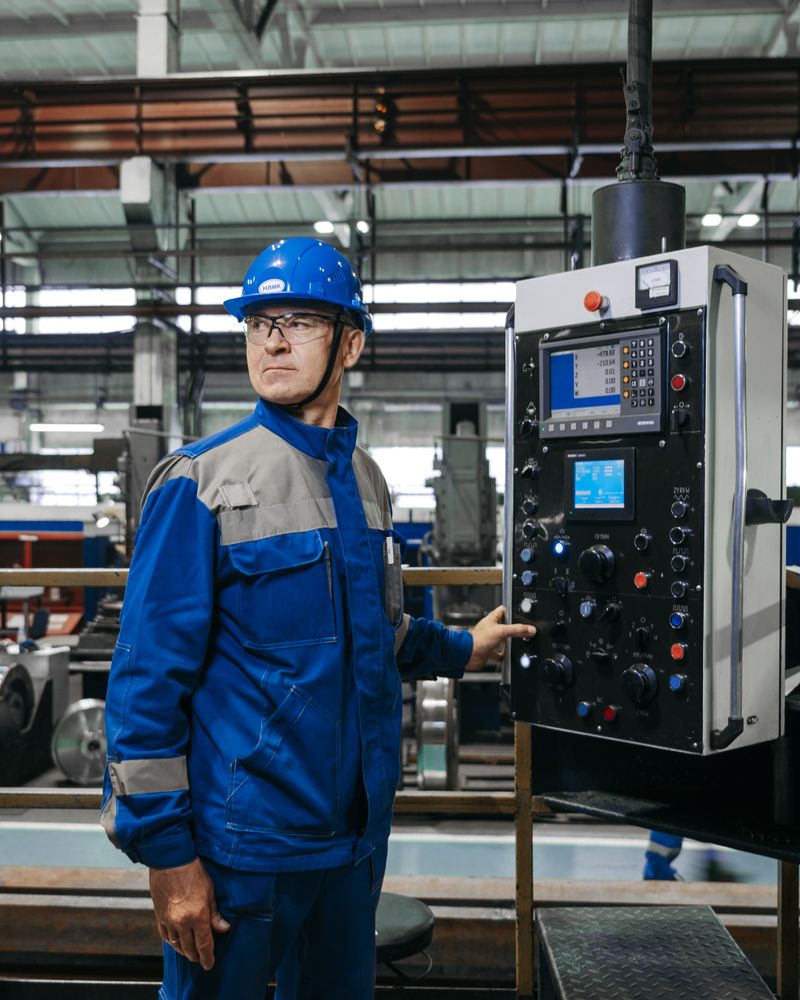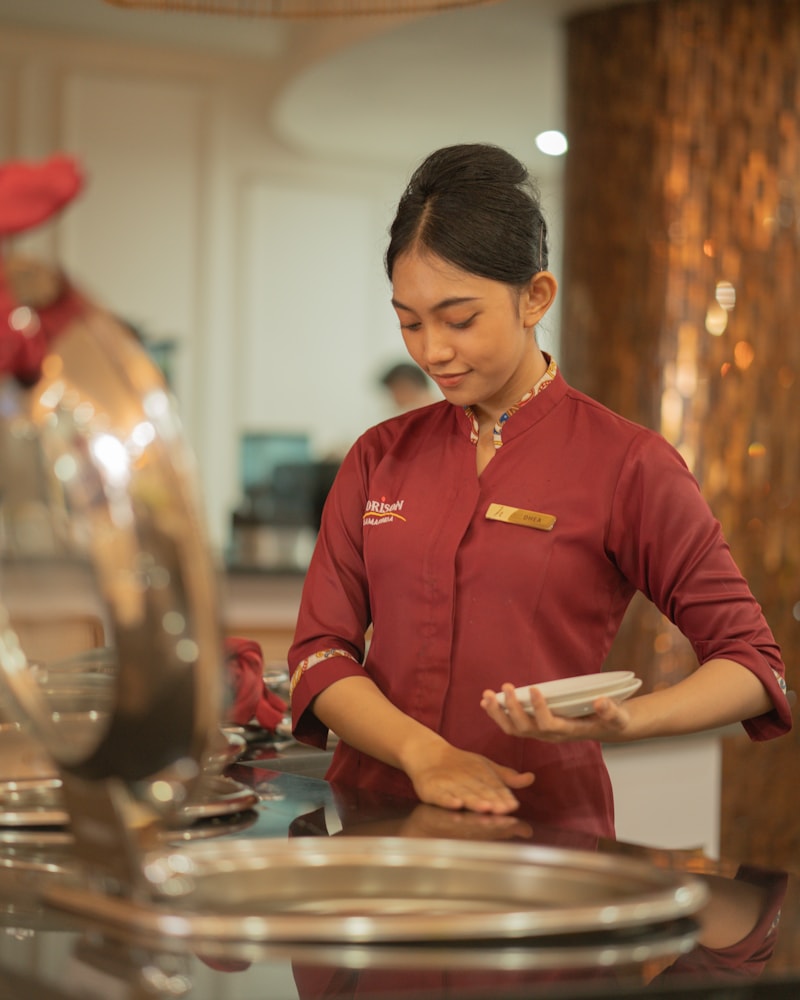


Biometric, Face and CCTV Attendance
Use fingerprint or face check-in, keep your biometric device, or mark attendance from camera feeds.
Read more about Biometric, Face and CCTV AttendanceTrack who came in, when and for how long, at every branch and on every shift. Late marks, missed punches, leave and overtime sit in one record, so HR never has to chase a register or fix an Excel sheet.







An attendance management system is software that records when employees start and finish work. Check-ins from biometric devices, camera feeds and the mobile app come into one place, along with shifts, leave and overtime, so nobody has to update a register by hand.
For Indian companies with several branches, shifts or field teams, that saves a lot of chasing every month. Worked hours, late marks, overtime and leave balances are already there, and a missed punch is flagged when it happens instead of turning up at month end.
Use fingerprint or face check-in, keep your biometric device, or mark attendance from camera feeds.
Read more about Biometric, Face and CCTV AttendanceField and remote staff punch in from the app with GPS or a selfie.
Read more about Mobile Check-In With GPSRun rotating and night shifts, and count overtime the way your policy says.
Read more about Shifts, Rosters and OvertimeLeave balances update the moment a request is approved, with no second system.
Read more about Leave and Attendance TogetherLate marks, half-days and missed punches are flagged as they happen, by your rules.
Read more about Late Marks and Missed PunchesSee who is present, absent or on leave right now, by department or location.
Read more about Live Dashboards and ReportsEmployees check in, apply for leave and see their own attendance without raising an HR ticket.
Read more about Employee Self-Service App| Features | Registers and Device Exports | Niyuk Attendance Recommended |
|---|---|---|
| Branch attendance | Collected from each branch | Seen live in one place |
| Leave balances | Updated in a second tool | Updated on approval |
| Overtime | Added from timesheets | Counted automatically |
| Missed punches | Found at month end | Flagged as they happen |
| Field staff | Calls and messages | GPS or selfie check-in |
| Employee queries | Calls to HR | Self-service app |
Add employees, shift timings, weekly offs and branches once, along with your leave and overtime rules.
By biometric device, face recognition, camera feed or the mobile app with GPS or a selfie, whichever suits each team.
Late marks, half-days and missed punches are picked up as they happen, so they are sorted out well before month end.
Managers approve leave and attendance corrections in the app, with no back-and-forth over email or WhatsApp.
Worked hours, overtime and leave are added up for each employee under your own rules, with nothing to total by hand.
HR and managers see presence rate, average hours, overtime and late arrivals by department, location or date range.
Most companies start with a register and an Excel sheet. It works until there are shifts, branches and field staff to track every day.
| Feature | Excel Sheets | Attendance Software Recommended |
|---|---|---|
| Recording attendance | Copied from registers or device exports | Captured at check-in |
| Late marks and half-days | Marked by hand | Flagged by your rules |
| Leave balances | Updated when someone remembers | Updated on approval |
| Shifts and overtime | Separate sheet per shift | Rostered and counted |
| Corrections | Overwritten in the sheet | Approved by the manager in the app |
| Several branches | One file per branch | Every branch in one system |
| Field and remote staff | Reported by phone or message | Check in with GPS or a selfie |
| Monthly summary | Totalled by hand | Ready on the dashboard |
| Mistakes | Found when an employee complains | Caught as they happen |
| Audit trail | Many versions of one file | One record with history |
Stop chasing registers and fixing Excel sheets every month. Book a demo and we will show you check-in, shifts, leave and overtime working together on your setup.
What HR teams ask before moving attendance out of registers and Excel.
It is software that records when employees start and finish work. Check-ins, shifts, leave and overtime are kept in one place, so HR can see worked hours, late marks and leave balances without updating a register or an Excel sheet.
Employees can check in with a biometric device, face recognition, camera feeds or the mobile app with GPS or a selfie. You can choose what suits each team, so office, shift and field staff all end up in the same attendance record.
Yes. Niyuk works with existing biometric devices through standard connectors, so you keep the hardware you already paid for. Teams without a device can use face check-in, camera feeds or the mobile app with GPS or a selfie.
Yes. You can set up rotating and night shifts, rosters and weekly offs, and overtime is counted from actual hours worked under your own overtime policy.
Late marks, half-days and missed punches are flagged as they happen, using your rules. Managers can then approve attendance corrections in the app, so problems are sorted out well before month end.
Yes. Every branch and shift sits in one system, so HR can see who is present, absent or on leave, and filter by department or location, without asking each branch for its numbers.
Yes. A small team can start with attendance and leave on one system instead of a register and an Excel sheet, and add hiring, performance and other modules later without moving to new software.
Yes. Employees check in, apply for leave and see their attendance from the app, which cuts down the calls and messages HR gets every month.